There are people who actually enjoy editing their website.
Want to see how they do it?
Press Cmd+E
That's it. Unless you're on Windows or Linux, then it's Ctrl+E. Move the cursor with the arrow keys. Select with the mouse. Edit anything you see.
Cmd+B for bold, Cmd+I for italics, and Cmd+K to turn text into a link. Undo with Cmd+Z. Save changes with Cmd+S.
Looking for the admin panel? Toolbars? There aren’t any.

Add, select, and move blocks
Click any dashed gap and press Enter to create a new block. Ctrl+Shift+Down cycles through block types. Ctrl+Shift+Right switches layouts.
To move blocks, drag from a gap to select multiple, then cut with Cmd+X and paste with Cmd+V.
Pro tip: Press Esc to select the parent block. Useful when editing text but wanting to change the layout above.
Change color
Ctrl+Shift+C cycles through color surfaces.
Add images to a gallery
Open a folder on your computer that has some images. Select a couple and copy them with Cmd+C. Put the cursor after an image below. Paste your images with Cmd+V.
To replace an image, select it first, then paste the new one.
Link to other pages
Click on one of the cards below. A link preview appears at the bottom. Click “edit” or press Cmd+K to bring up the link editor. Change the URL and press Enter.


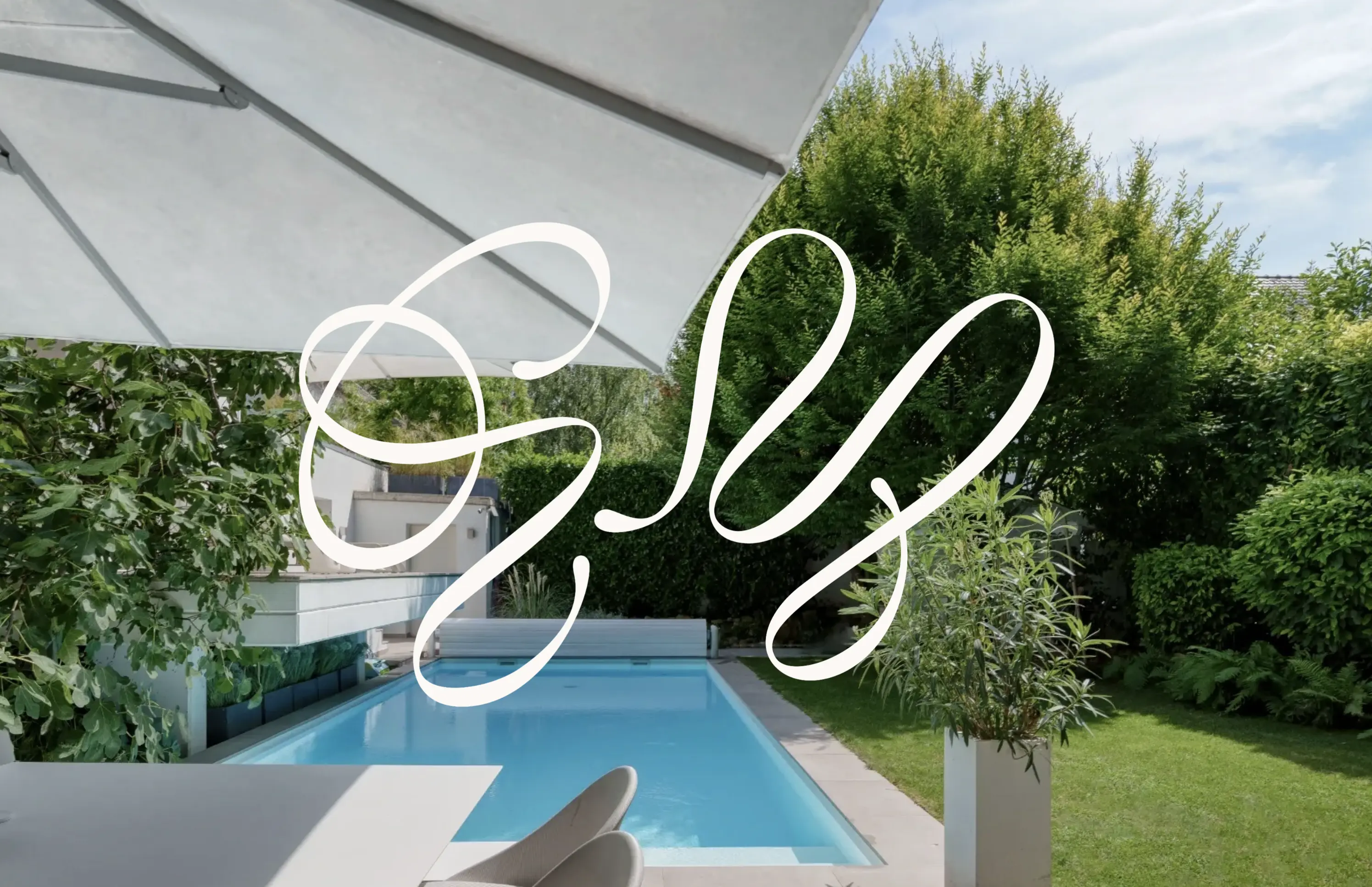
By the way, above links are live in-place editable websites Johannes Mutter and I have already launched. Before you read on, save your changes with Cmd+S.

Hello, I'm Michael
And you just tried Editable Website™. I built it to make editing websites second nature. You can focus on your content and forget about the rest.
Without loosing flexibility, though. Set up your site with fonts and colors matching your style. Within an hour you are ready to launch your site.
The source code is yours too. Change every pixel of your site, create new content types, or integrate 3rd party data. Everything you can do with Svelte, you can do with Editable Website too.
Be an early bird
Leave your email and I'll let you know as soon as Editable Website is ready. First ones in get to chat with me in a video call.